








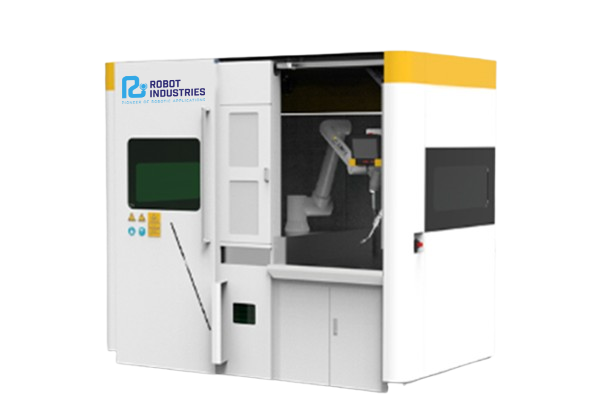
RI WD Closed Dual – Two-Station Robotic Welding Cell
Two workstations in one closed cell: the robot welds on one while the operator loads the other.
- 2 stations
- 2.7 × 1.9 × 2.4 m
- MIG/MAG 350/500 A
- ±0.03 mm
International delivery · Installation, training and technical support


The robot welds while you load the next part.
A closed welding cell with two workstations and a cobot. The operator loads and unloads one station while the robot welds on the other, so the robot no longer waits for parts and the arc-on time goes up.

A robot that waits for parts does not produce
In a single-station cell the robot stops every time a part is loaded or unloaded. In series production, those minutes add up on every shift.
Idle time at every change
Loading, clamping and unloading stop the robot.
Thick plates, long cycles
Medium and thick plates need many passes and long welding times.
Two stations, no waiting
While one part is welded, the next one is prepared on the second station.
Two stations, the same team
Two stations, one cobot
The cobot alternates between the two stations without interference between operator and robot. Cell size 2.7 × 1.9 × 2.4 m.
- Continuous work in series
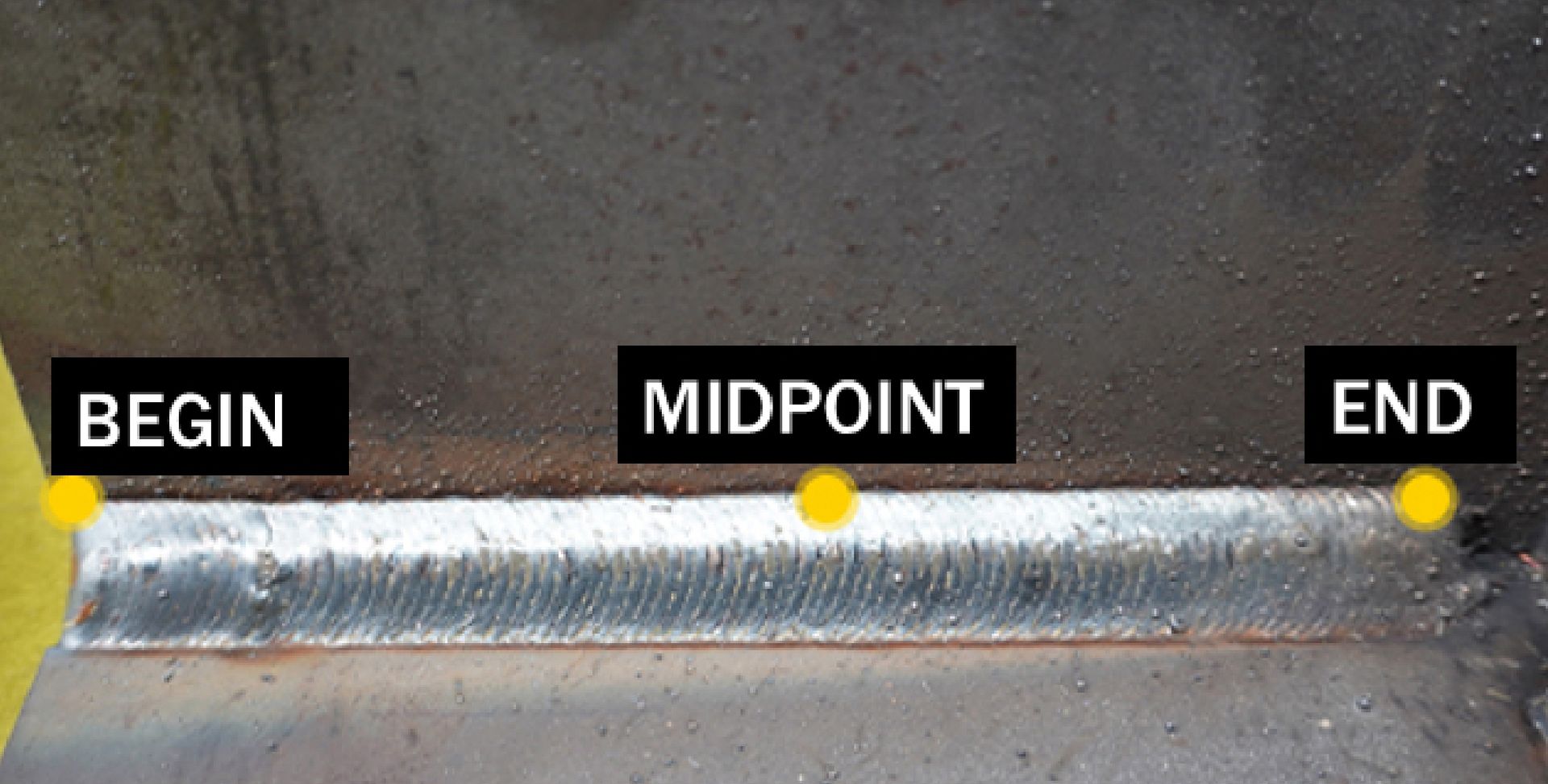
Made for medium and thick plates
Three-point positioning, bevel deviation compensation and automatic multi-layer, multi-pass planning.
- Double-sided welding of chassis parts
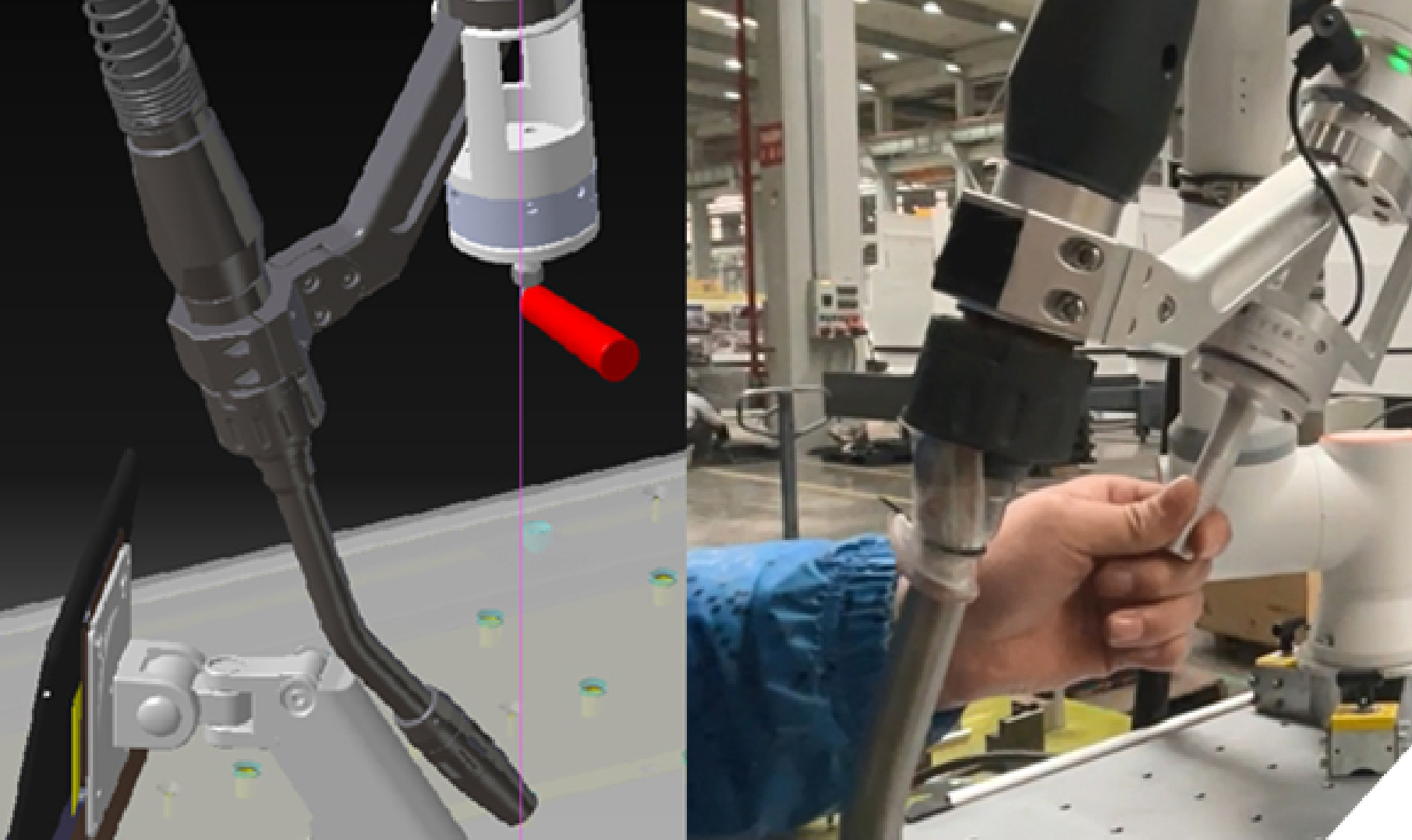
Teach the path by hand, no code
The operator guides the arm with the foldable handle; a force sensor records the path with ±0.05 mm positioning accuracy.
- Works on curved surfaces and in narrow spaces
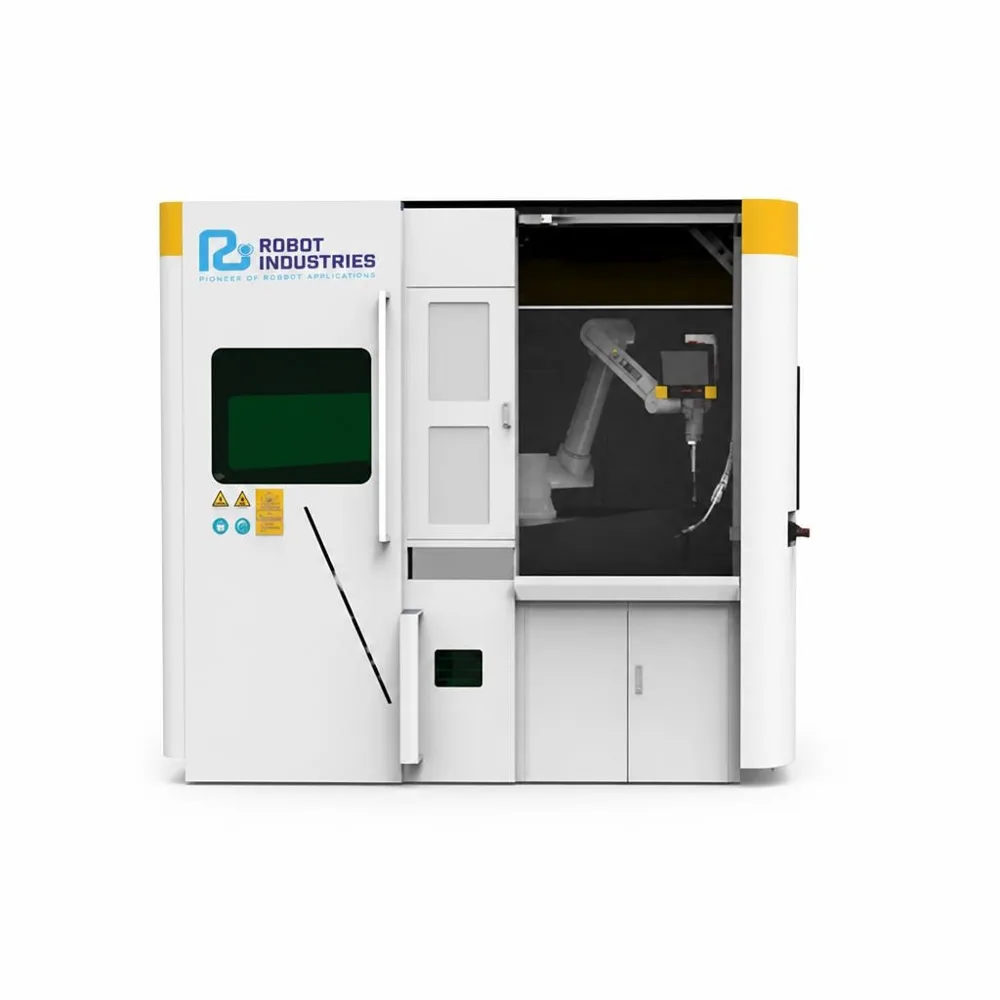
Closed cabin, clean air
Arc-filtering windows, fume and dust extraction and an external emergency stop button.
- Panel tilted 15° for standing or seated work
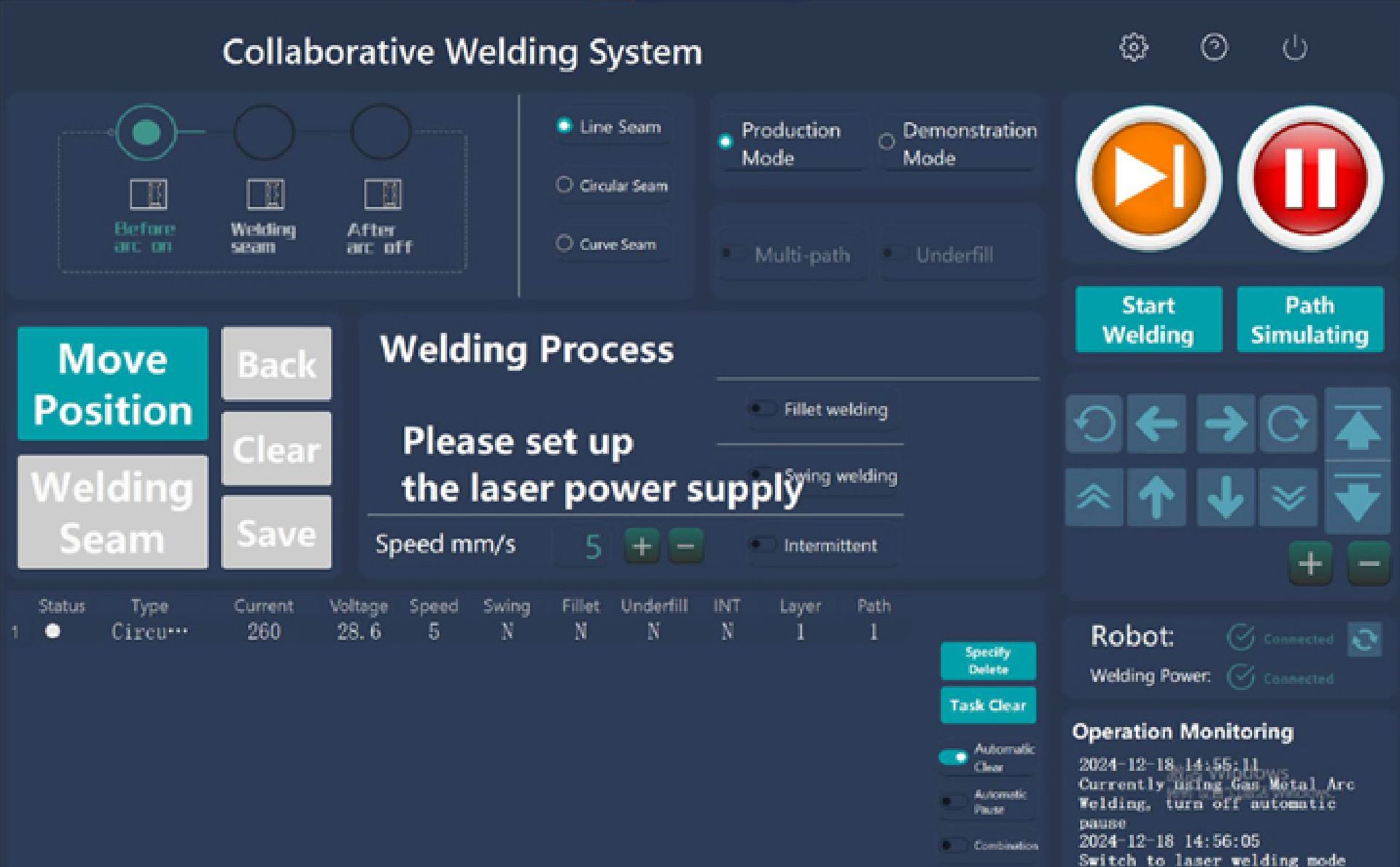
Proven parameters, one tap
Built-in WPS library with parameters for carbon steel, stainless steel and aluminium. Repeat parts start with one tap.
- Operator panel tilted 15° for comfortable work
Built for series production
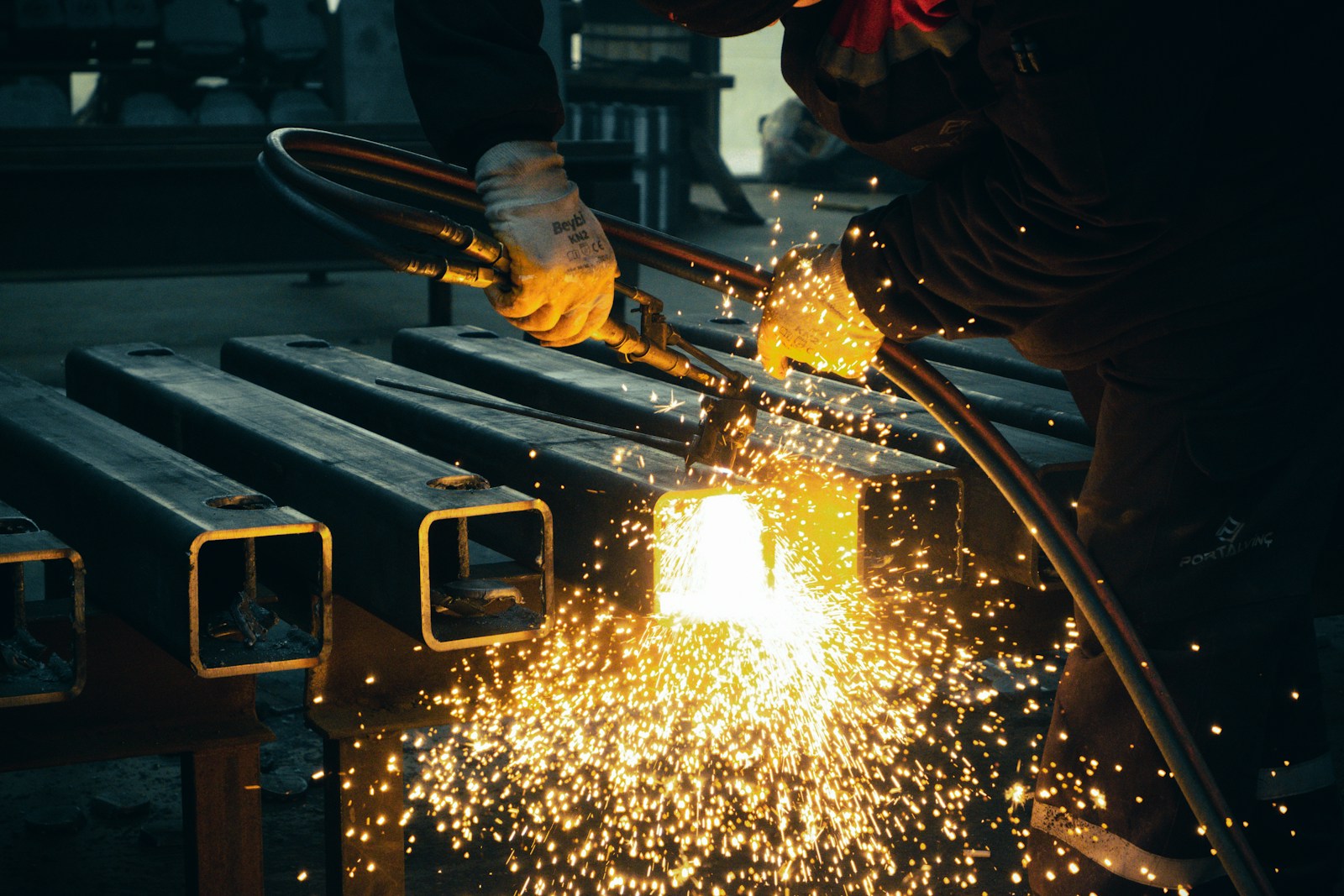
Chassis components and frames
Double-sided welding of chassis components and frames, in series.
Both sides welded with the same quality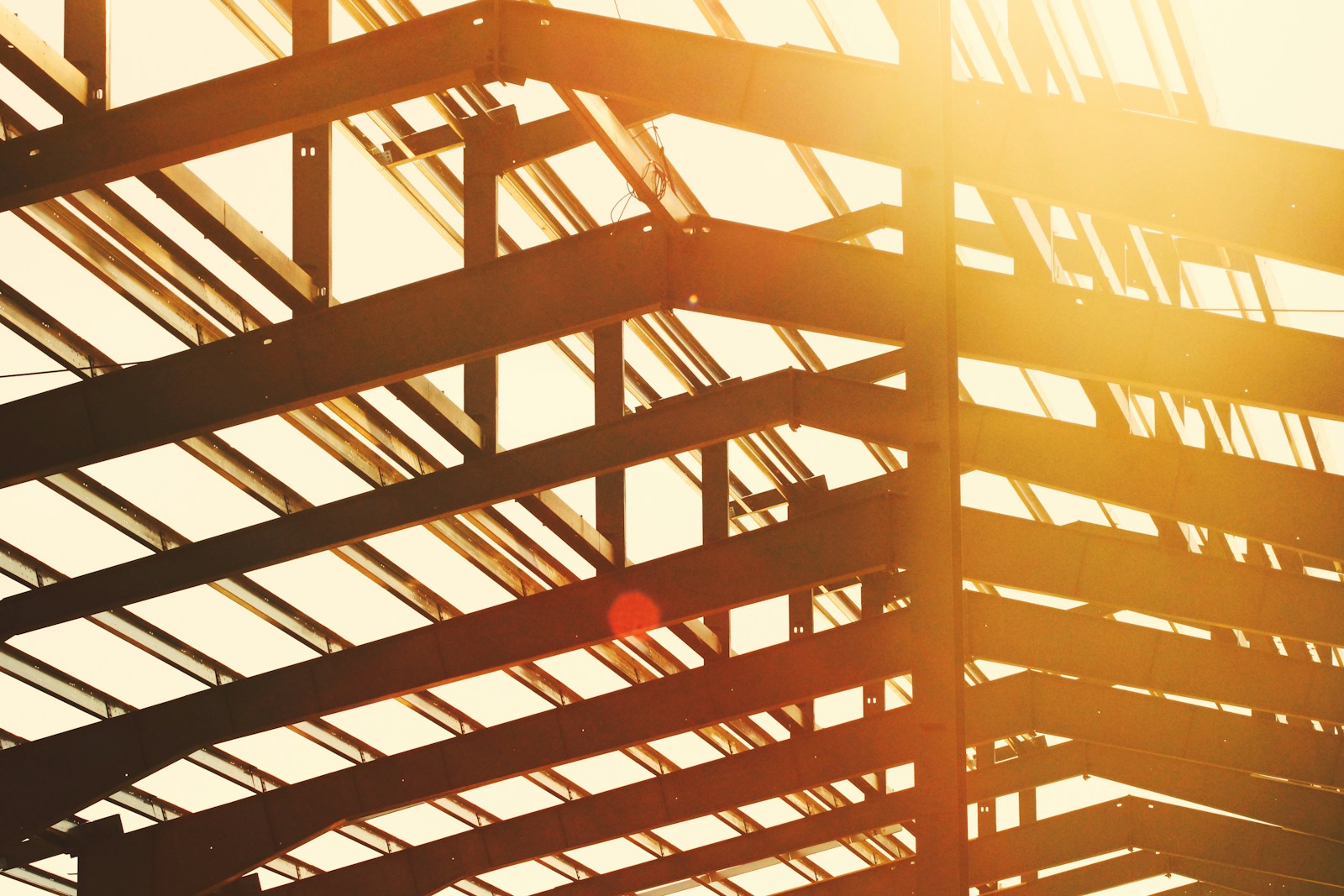
Medium and thick plates
Continuous welding of medium and thick steel plates, with multi-pass seams.
Multi-pass seams without stopping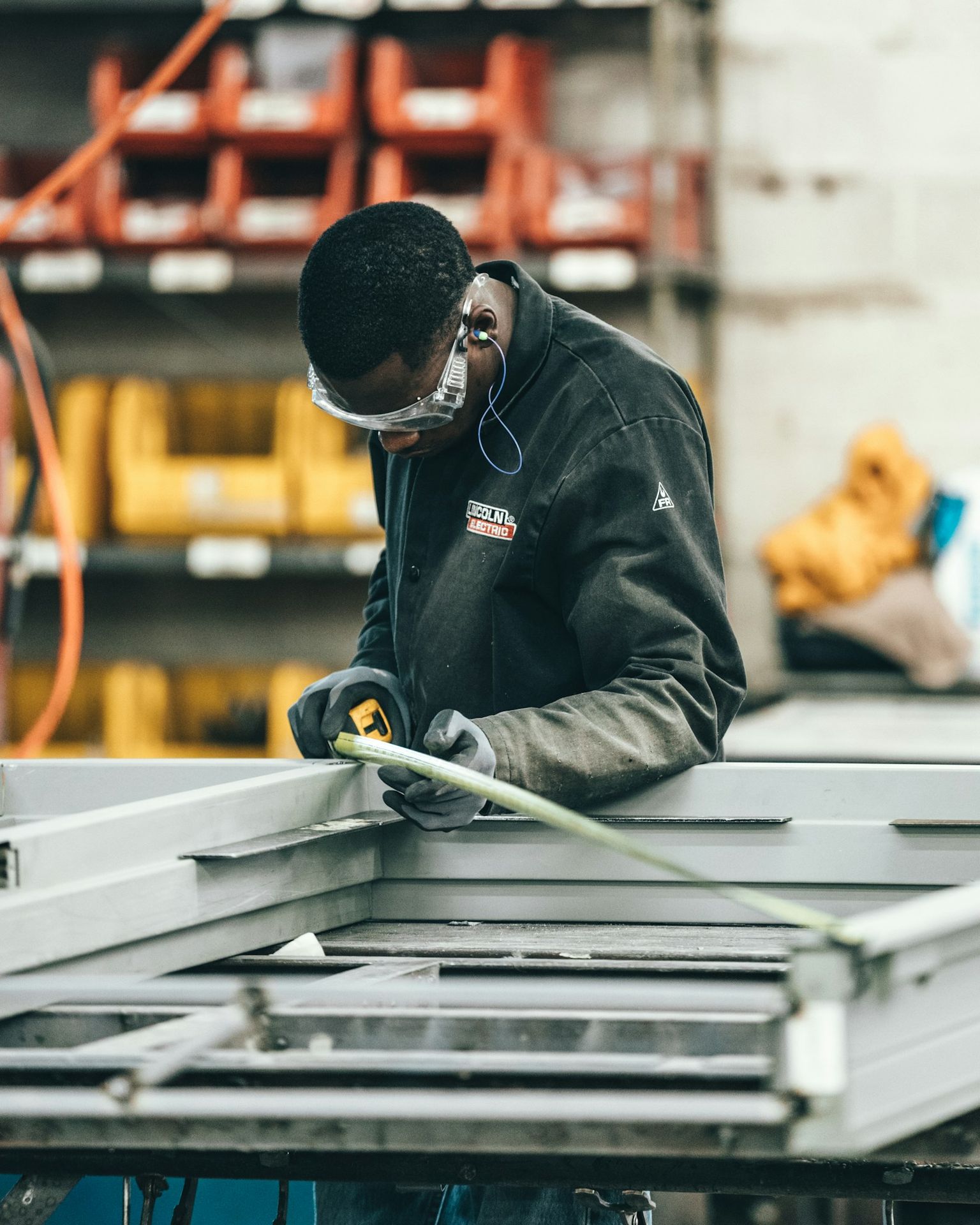
Series production
Repeat parts welded on every shift with the same saved program.
The robot welds while the next part is loadedUp and running in 4 simple steps
Loading station A
The operator fixes the part on the first station.
Teaching the seam
Guide the arm with the handle or choose a saved program.
Welding on A, loading B
The cobot welds on station A while the operator prepares station B.
Alternating, without stops
The cobot moves to station B and the finished part is unloaded from A.
Single-station cell or RI WD Closed Dual?
| Single-station cell | RI WD Closed Dual | |
|---|---|---|
| Robot idle time | Stops at every load and unload | Welds while the other station is loaded |
| Operator | Waits for the robot to finish | Prepares the next part in parallel |
| Output per shift | Limited by loading time | Higher, with the same team |
| Floor space | One cell for each station | Two stations in 2.7 × 1.9 m |
Technical specifications
| Arm reach options | 600 / 900 / 1300 / 1400 mm |
|---|---|
| Repeatability | ±0.03 mm |
| Hand-guiding accuracy | ±0.05 mm |
| Welding modes | Autonomous planning, circumferential, weaving, intermittent, fillet, multi-layer multi-pass |
| MIG/MAG | 350 A / 500 A |
|---|---|
| Laser | 1500 / 2000 / 3000 W |
| Cobot | RI or JAKA |
| Materials | Carbon steel, stainless steel, aluminium |
| Dimensions | 2.7 × 1.9 × 2.4 m |
|---|---|
| Workstations | 2 |
| Protection | IP54 |
| Air | Built-in fume and dust extraction |
| Safety | Arc-filtering windows, external emergency stop |
Which closed cell fits you?
| RI WD Closed | RI WD Closed Dual | RI WD Closed Dual Hanging | |
|---|---|---|---|
| Format | Single-station cabin | Two-station cabin | Two stations, robot on an overhead track |
| Cabin size | 1.7 × 1.9 × 2.4 m | 2.7 × 1.9 × 2.4 m | 2.7 × 1.9 × 2.4 m |
| Ideal for | Precision welding in a compact footprint | Series production, medium and thick plates | Large parts, seams at difficult angles |
| Robot idle time | Waits while the part is loaded | Welds while the other station is loaded | Welds while the other station is loaded |
| Welding processes | MIG/MAG 350 / 500 A · Laser 1.5–3 kW | MIG/MAG 350 / 500 A · Laser 1.5–3 kW | MIG/MAG 350 / 500 A · Laser 1.5–3 kW |
| Cobot | RI or JAKA | RI or JAKA | RI or JAKA |
| See this station → | You are here | See this station → |
What customers ask us
How much does the RI WD Closed Dual cost?
The price depends on the configuration: cobot, welding source (MIG/MAG or laser) and options. Send us a drawing of your part and we will send you an offer.
Do I need a robot programmer?
No. The operator guides the arm by hand and chooses the parameters from the WPS library. We train your team at commissioning.
Do I need a separate fume extraction system?
No. Fume and dust extraction is built into the cabin.
Why two stations?
Because the robot no longer waits: while it welds on one station, the operator loads and unloads the other.
Is it suitable for thick plates?
Yes. Three-point positioning, bevel deviation compensation and multi-pass planning are designed for medium and thick plates.
Which materials can it weld?
Carbon steel, stainless steel and aluminium alloys, with ready parameters in the WPS library. A laser source is available for faster seams on thinner material.
Do you deliver and install abroad?
Yes. We deliver internationally and provide technical support and integration into your production.
Can you check it on my parts?
Send us a drawing or a sample; we check the seams and recommend the right configuration.
How many parts do you weld per shift?
Tell us the part and the volume. We check whether a two-station cell pays off for you and send you an offer.
10 years of experience · 500 robots installed · 1000+ clients
Not ready for a quote yet? Book a free evaluation of your welding process.
Request a quote for the RI WD Closed Dual

To install this Web App in your iPhone/iPad press
 and then Add to Home Screen.
