








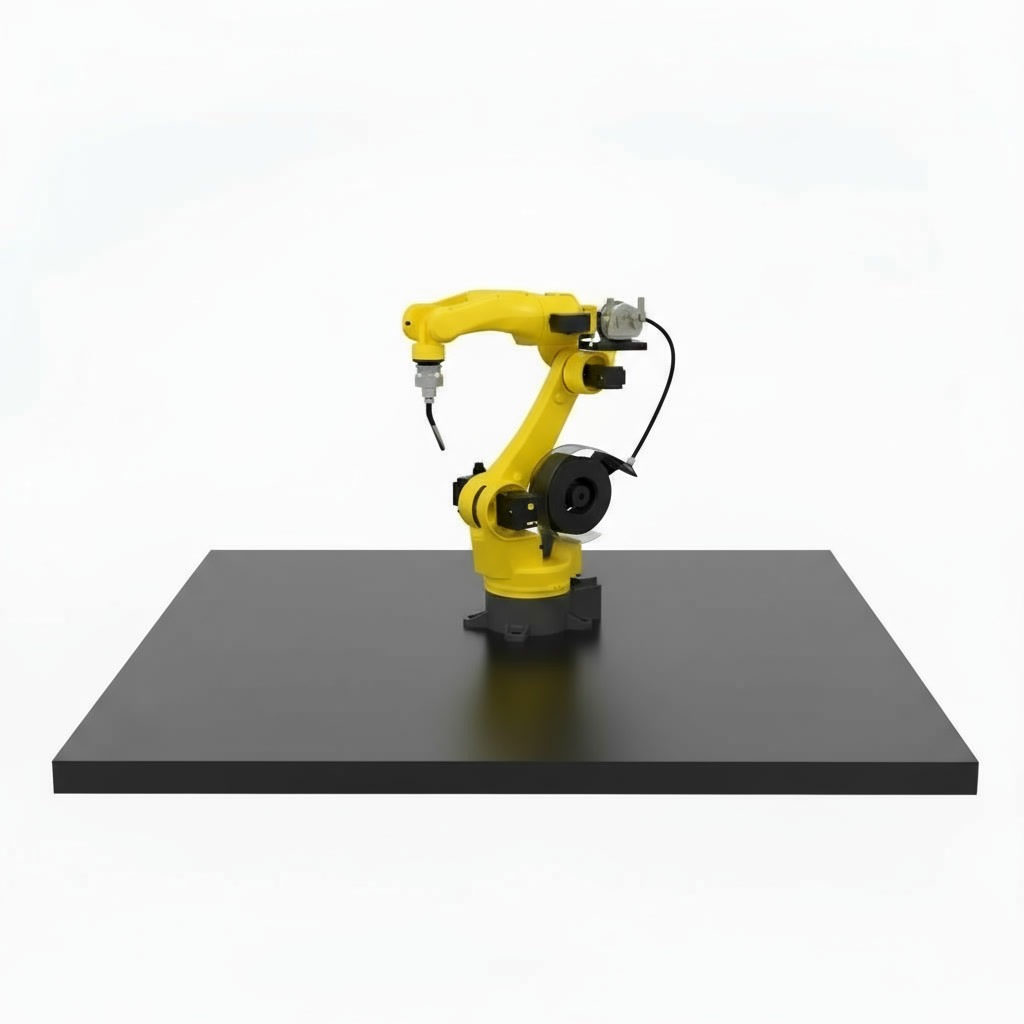
RI WD 3D FreeTeach – Robotic Welding Station without Programming
An industrial welding station with 3D vision: it scans the part, finds the seams and plans the welding path on its own.
- 3D vision
- No programming
- MIG/MAG 350/500 A
- ±0.02 mm
International delivery · Installation, training and technical support


Scan the part. The robot does the rest.
Instead of teaching every path point by point, the station scans the part with a 3D camera, detects the seams and calculates speed, current and torch angle. Setting up a new part takes far less time, even without a robot programmer.

Programming the robot takes longer than welding
With classic teach-and-repeat robots, every new part means a long programming session. In small and medium batches, the robot often waits for its program.
No robot programmers
Few companies have a dedicated robot programmer, and good specialists are hard to hire.
Batches change often
Every new part geometry means teaching the path again.
The robot plans the path itself
The 3D camera scans the part and the software generates the welding path automatically.
Teach-free welding, at industrial level
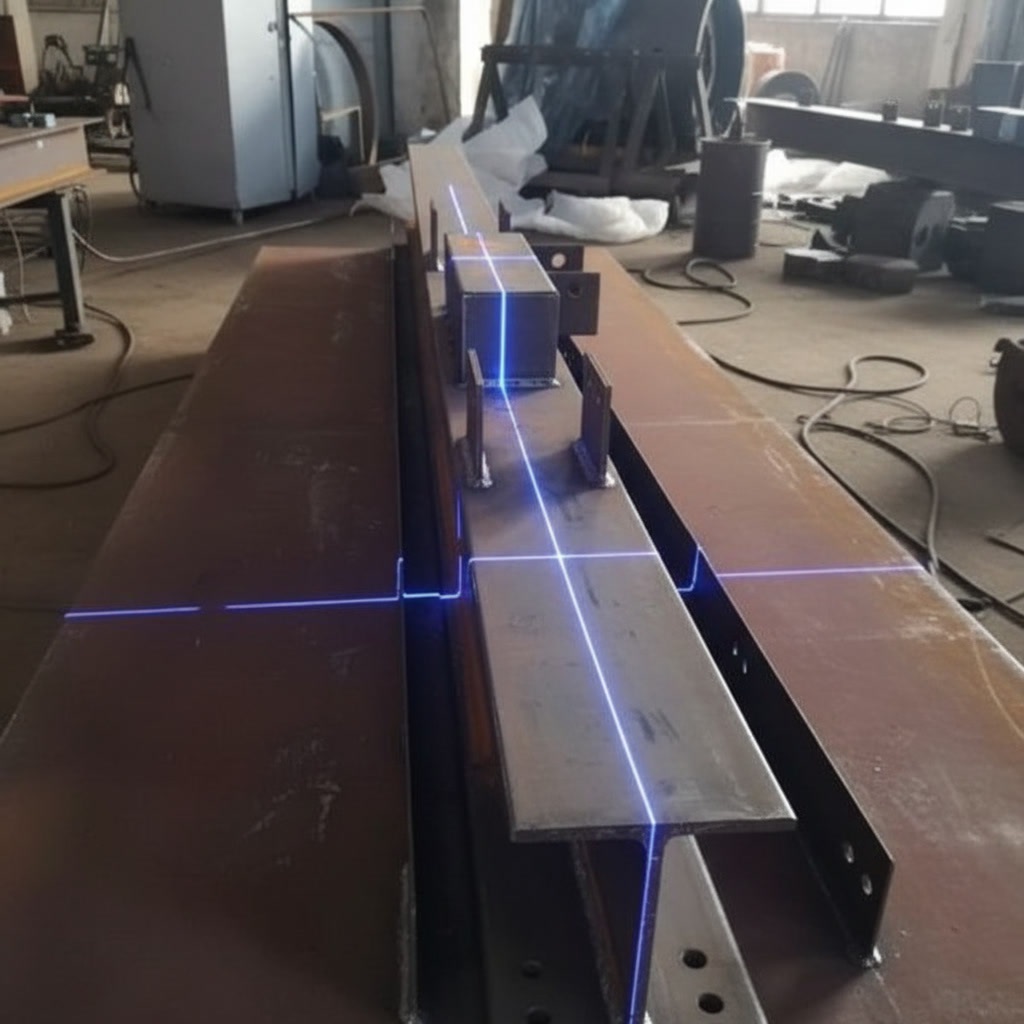
Scans the part in 3D
The vision system recognises the part geometry and detects the welding seams automatically.
- Adapts quickly to different parts
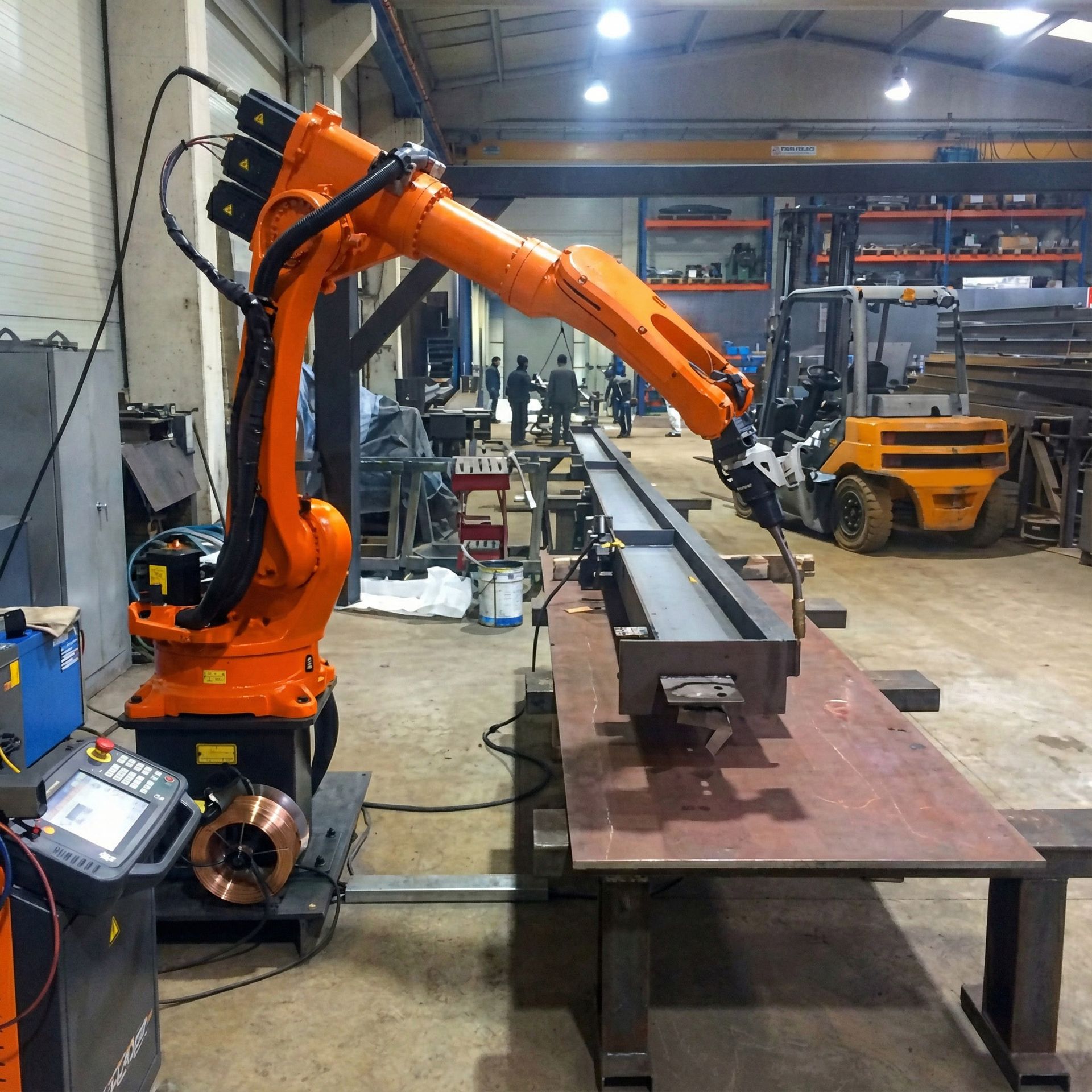
Calculates the parameters
Speed, current and torch angle are calculated for each seam, then the robot welds with ±0.02 mm repeatability.
- Fillet, circular, multi-pass and weaving welds
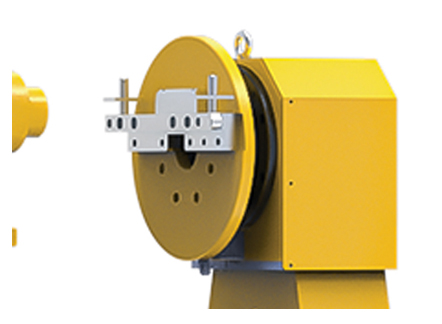
A positioner for every angle
Optional external rotary axes (horizontal, vertical or 2-axis) turn the part so the robot reaches the seams from every direction.
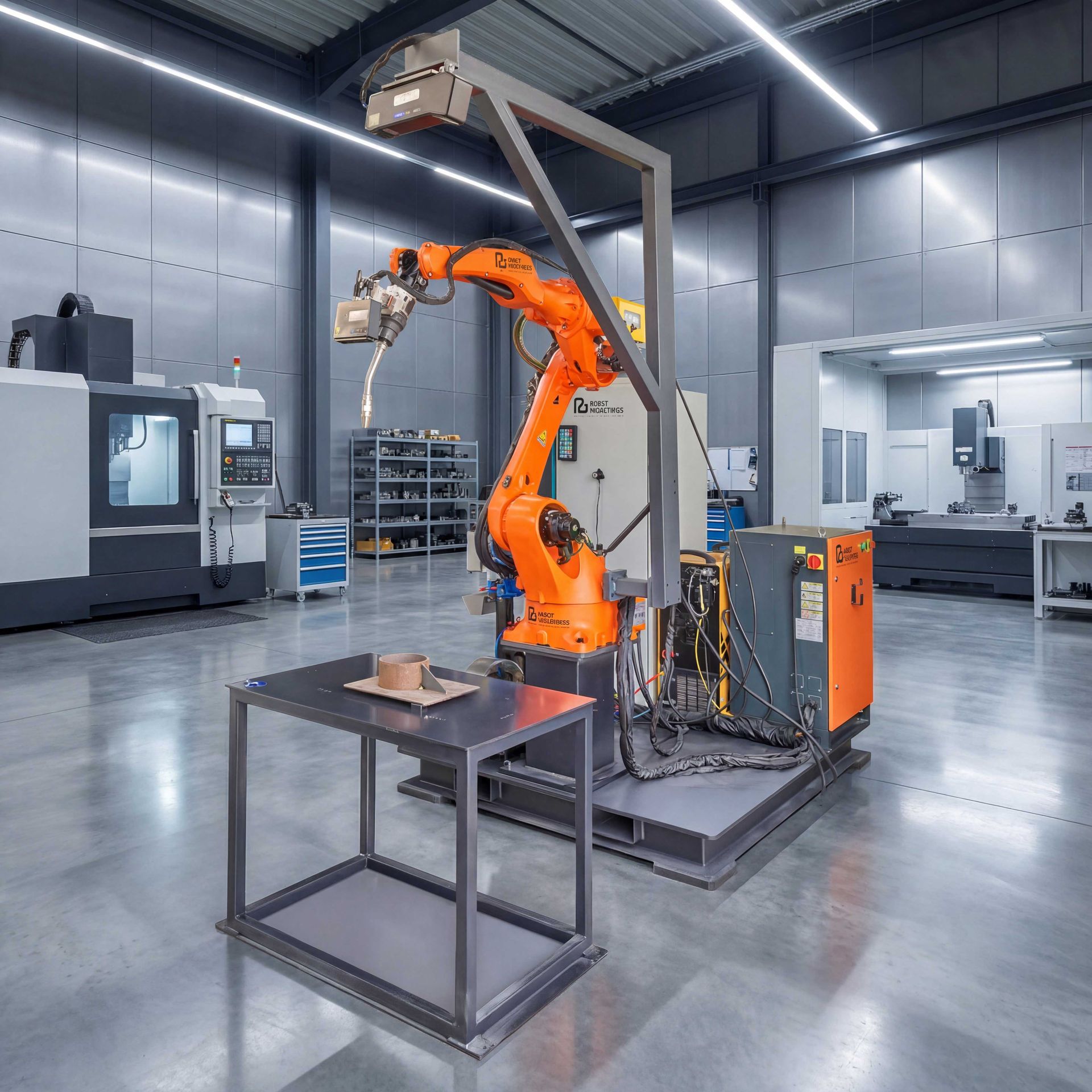
Complete industrial equipment
Touch sensing, arc tracking and an automatic torch cleaning station keep the seams on target during long production runs.
- Optional safety kit: fence, door lock, light tower
Where FreeTeach saves the most time
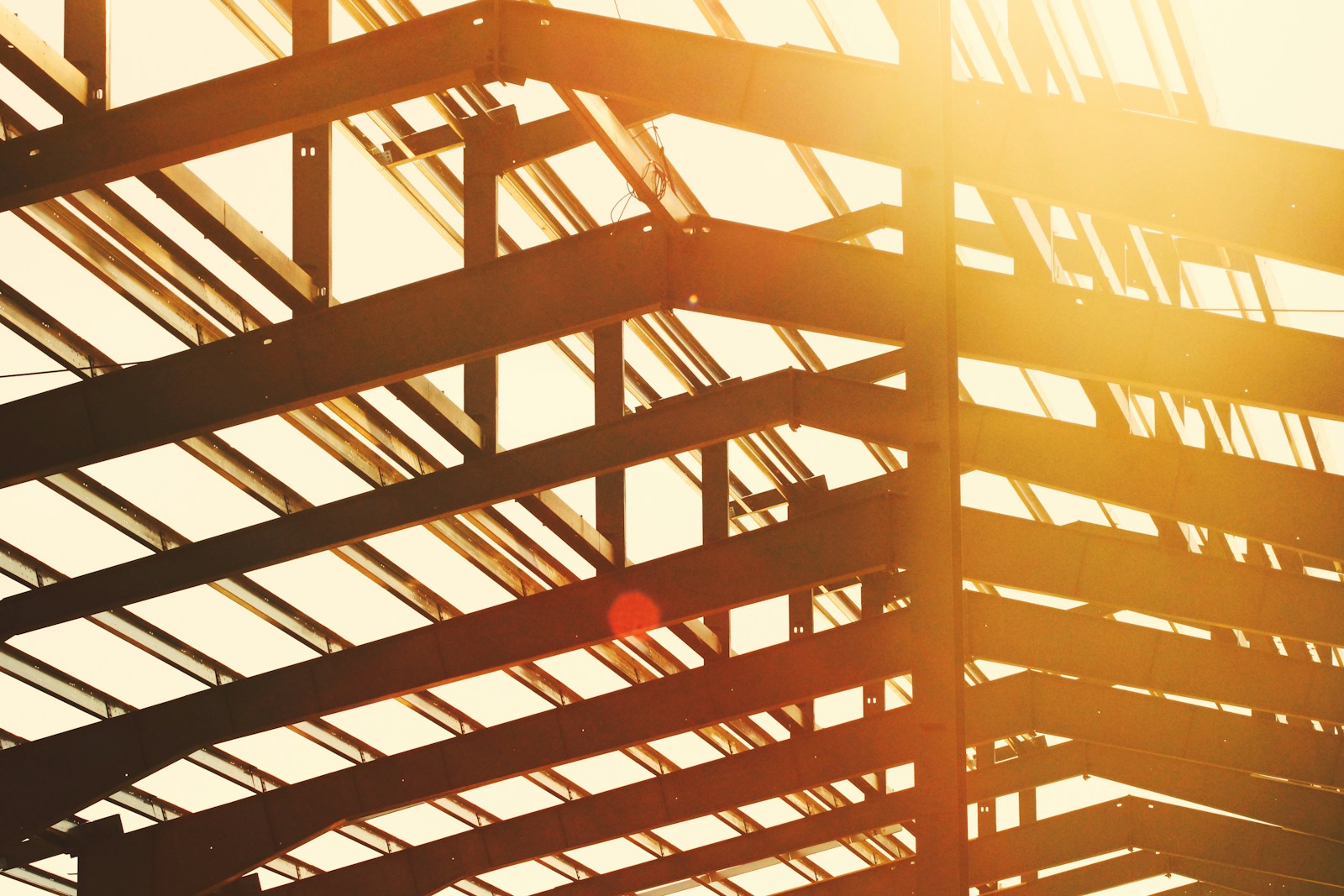
Metal structures
Beams, columns and frames whose geometry changes from project to project.
No programming for every new project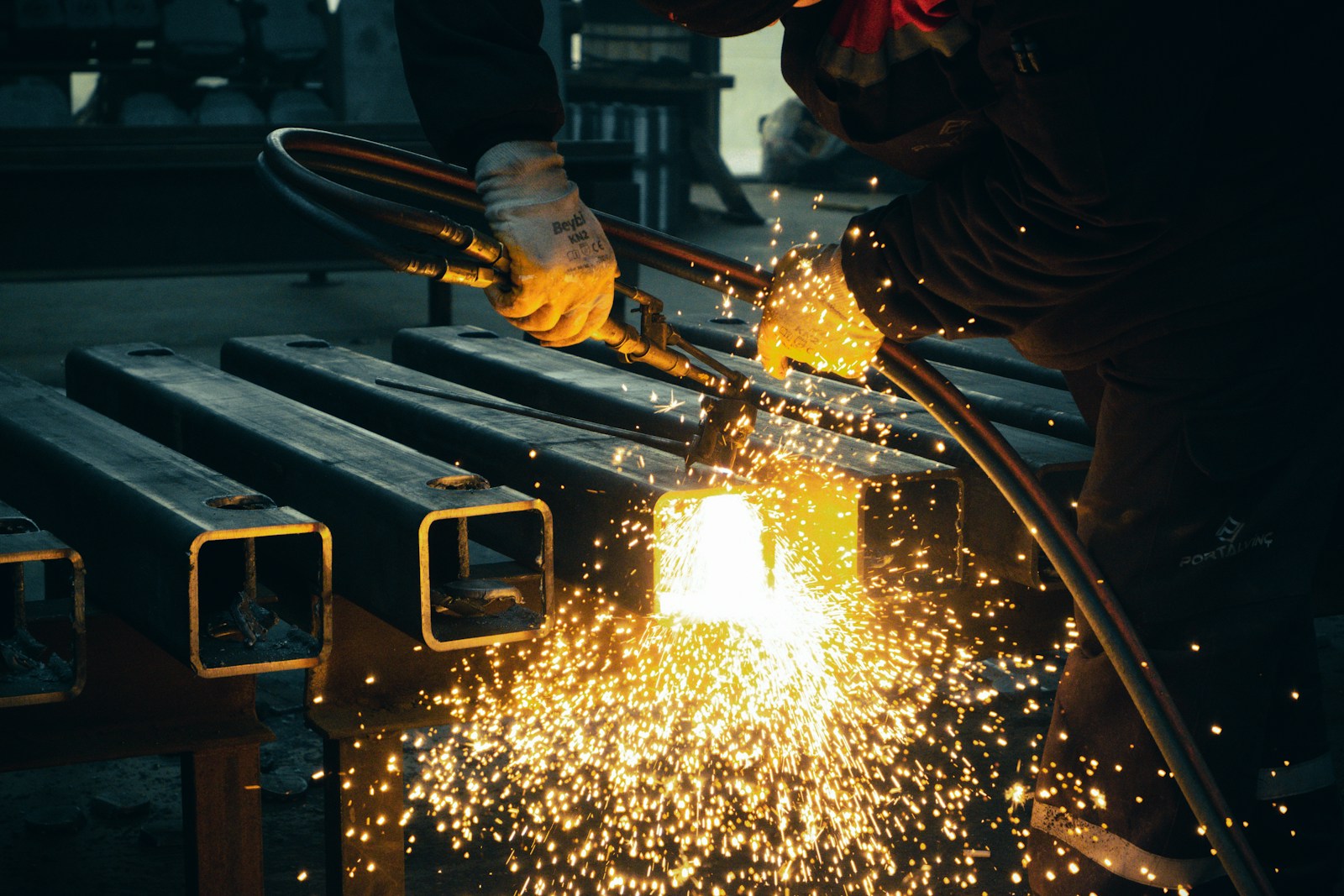
Automotive components
Components and subassemblies welded to a consistent quality.
Uniform, repeatable seams
Heavy machinery and equipment
Parts for heavy machinery and industrial equipment, with multi-pass seams.
Multi-pass welds planned automatically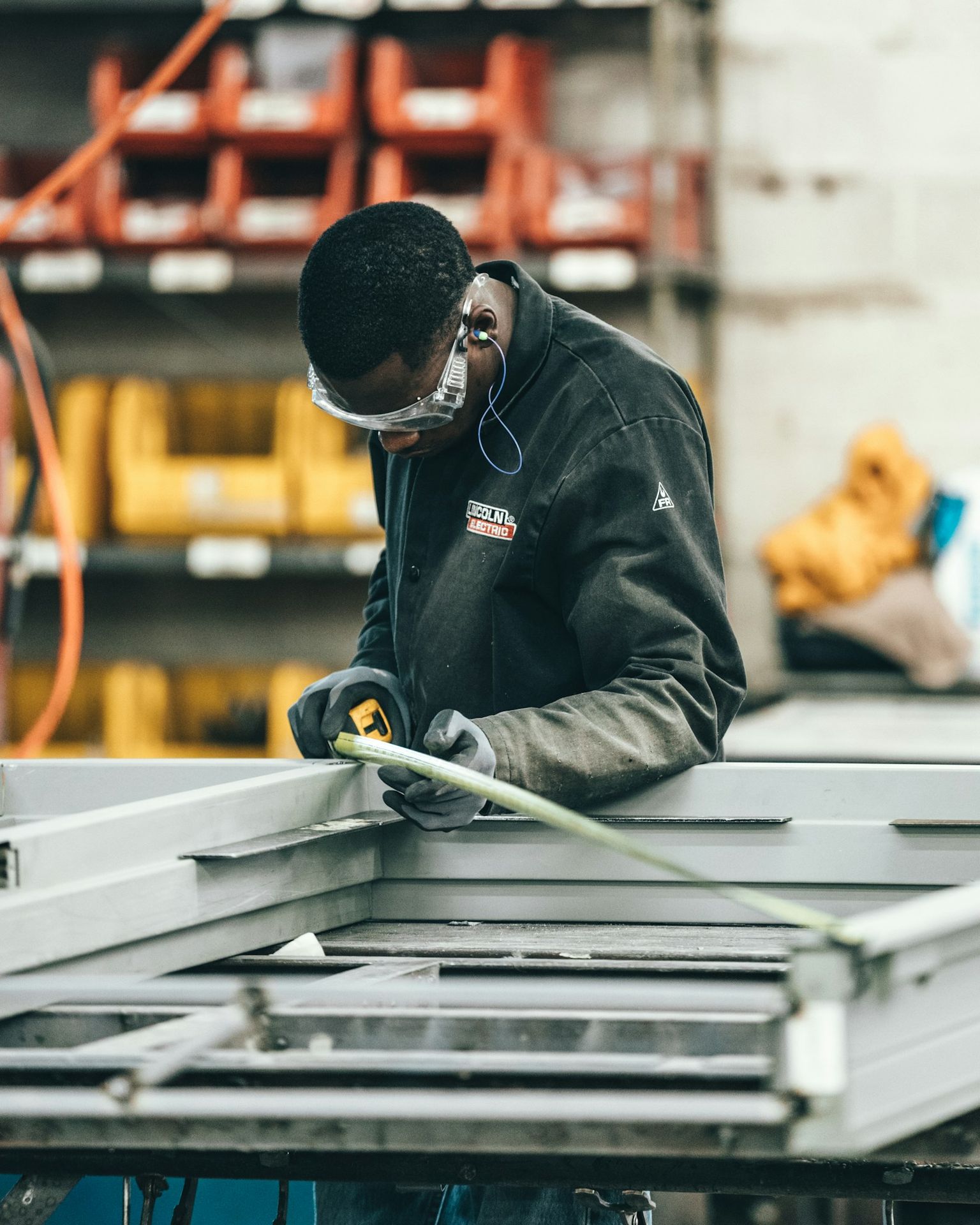
Custom production and special projects
Small and medium batches, where parts change often.
Fast changeover between batchesUp and running in 4 simple steps
Placing the part
Fix the part on the table or on the positioner.
3D scan
The camera scans the part and the software finds the seams.
Automatic path
The system calculates the path and the welding parameters.
Welding and checking
The robot welds; the operator checks the part and moves on to the next one.
Classic programming or RI WD 3D FreeTeach?
| Classic welding robot | RI WD 3D FreeTeach | |
|---|---|---|
| New part | Path taught point by point | Scanned and planned automatically |
| Robot programmer | Required | Not required |
| Small batches | Programming time eats the gain | Quick changeover to the next part |
| Welding parameters | Set manually | Calculated for each seam |
Technical specifications
| Robot arm | RI6-2000, 6 kg, 2000 mm |
|---|---|
| Repeatability | ±0.02 mm |
| Max. load capacity | up to 500 kg |
| Robot base | Included |
| MIG/MAG | 350 A / 500 A |
|---|---|
| Welding modes | Autonomous planning, circumferential, weaving, intermittent, fillet, multi-layer multi-pass |
| Seam detection | 3D vision, touch sensing, arc tracking |
| Torch cleaning | Automatic station |
| Cell type | Open |
|---|---|
| External rotary axes | None, 1 or 2 (horizontal, vertical or 2-axis) |
| Safety package | Optional: fence, door lock, light tower |
| Power supply | 380 V, 50/60 Hz |
What customers ask us
How much does the RI WD 3D FreeTeach cost?
The price depends on the configuration: external axes, welding source and safety package. Send us a drawing of your part and we will send you an offer.
Do I need a robot programmer?
No. The station scans the part and generates the path itself. The operator places the part, checks it and starts the weld. We train your team at commissioning.
What parts can it weld?
Metal structures, automotive components, parts for heavy machinery and custom projects, especially in small and medium batches.
Can it be integrated into my production line?
Yes. The station is designed for fast integration into existing lines, and we provide integration and technical support.
What safety options are there?
The cell is open; the optional safety kit adds a fence, a door lock and a light tower.
Do you deliver and install abroad?
Yes. We deliver internationally and provide technical support and integration into your production.
Can you check it on my parts?
Send us a drawing, a 3D model or a sample; we check how FreeTeach plans the seams and recommend the right configuration.
Do you change parts often?
Send us a drawing or a 3D model of your part. We check how FreeTeach plans the welding and send you an offer.
10 years of experience · 500 robots installed · 1000+ clients
Not ready for a quote yet? Book a free evaluation of your welding process.
Request a quote for the RI WD 3D FreeTeach

To install this Web App in your iPhone/iPad press
 and then Add to Home Screen.
